Voicemail PIN Reset
Article 000002134 · Updated Apr 20, 2026 · 11,168 views
If you get locked out of your voicemail box, you can reset your own voicemail PIN following the instructions in this article. Administrators can reset any voicemail PIN. For instructions to reset a call center's voicemail box click here.
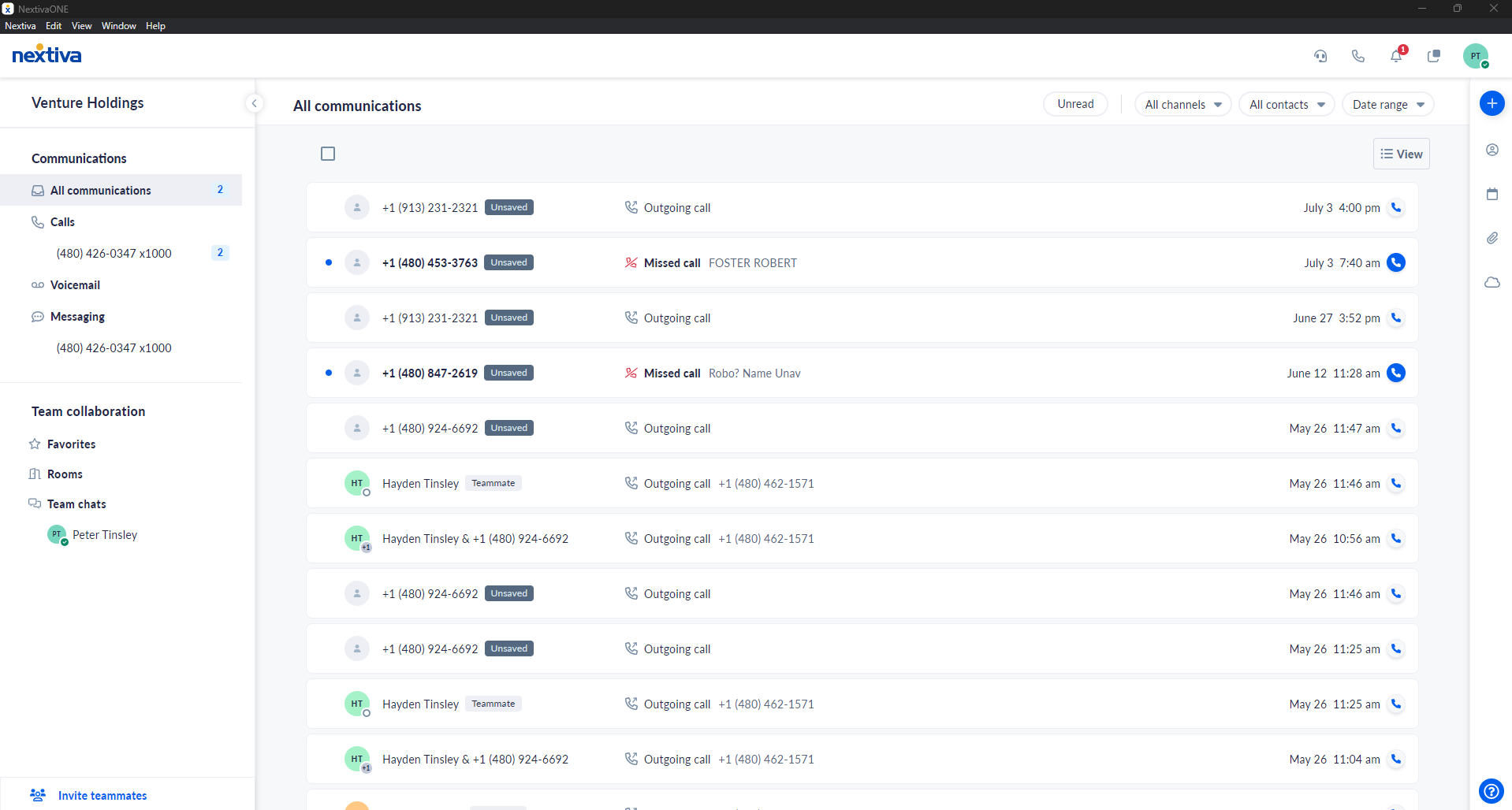
To reset a user's voicemail PIN, choose the image that looks most like your screen once logged in: | ||
 |  |
Voicemail PIN Reset
- Log in to the platform voice portal as an administrator.
- From the main page, click Users on the left-hand side.
- Hover over the user to reset the PIN and click the vertical ellipses on the right-hand side.
- Click Voice Settings.
- Click Voicemail on the left of the user settings.
- Type in a new voicemail PIN and click Save.
NOTE: Your PIN needs to meet the following requirements:- Cannot match your extension or phone number
- Cannot match the reverse of your extension or phone number
- Cannot repeat the same digit 3 times or more
- Cannot contain a sequence of 3 or more ascending or descending digits (i.e. 123 or 321)
- Cannot be your previously used password
- Cannot be the reverse of your previously used password
Still need help with this?